
Fiend
- Class
- Warlock
Features
Dark One's Blessing — 1st level
Starting at 1st level, when you reduce a hostile creature to 0 hit points, you gain temporary hit points equal to your Charisma modifier + your warlock level (minimum of 1).
Dark One's Own Luck — 6th level
Starting at 6th level, you can call on your patron to alter fate in your favor. When you make an ability check or a saving throw, you can use this feature to add a d10 to your roll. You can do so after seeing the initial roll but before any of the roll's effects occur.
Once you use this feature, you can't use it again until you finish a short or long rest.
Fiendish Resilience — 10th level
Starting at 10th level, you can choose one damage type when you finish a short or long rest. You gain resistance to that damage type until you choose a different one with this feature. Damage from magical weapons or silver weapons ignores this resistance.
Hurl Through Hell — 14th level
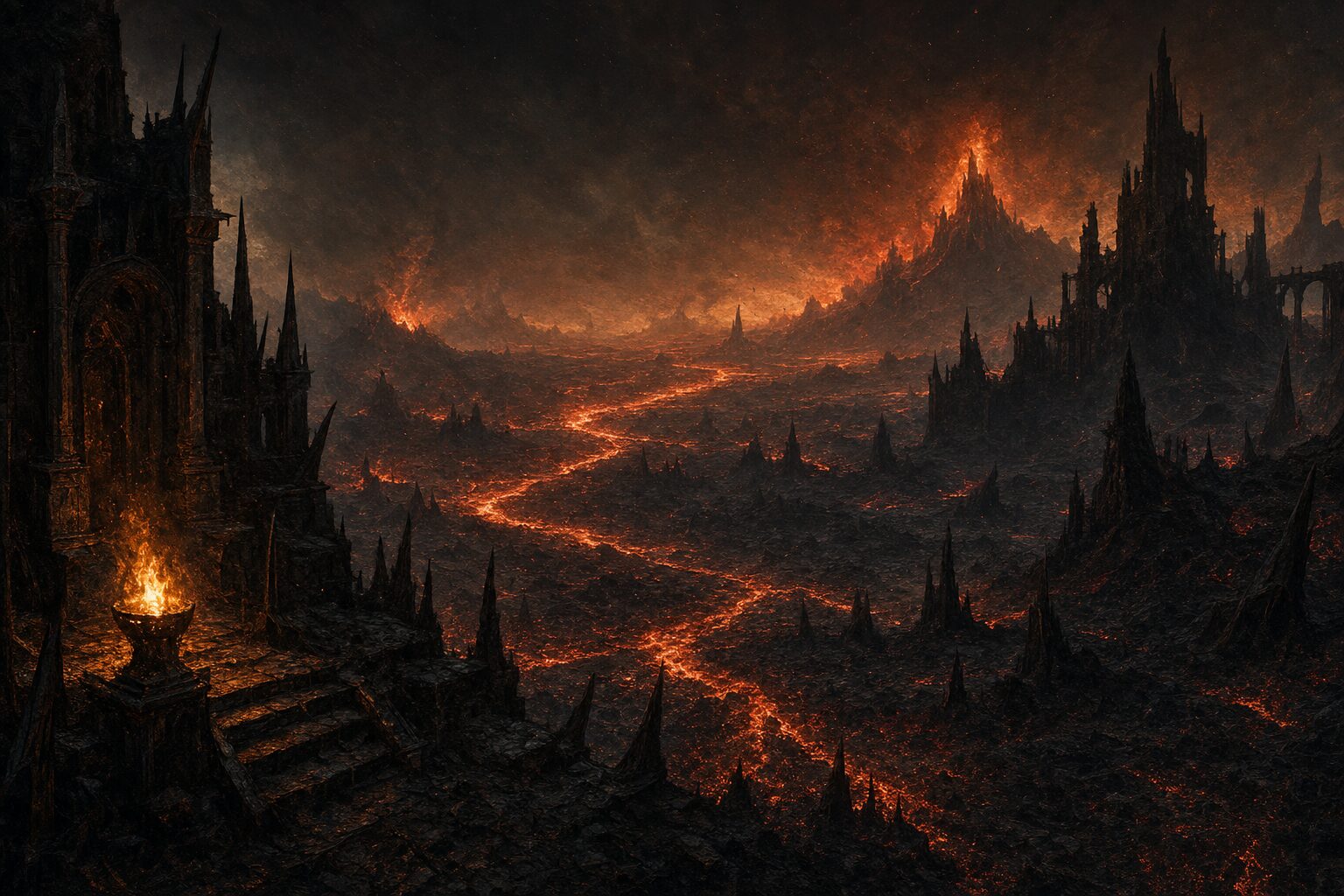
Starting at 14th level, when you hit a creature with an attack, you can use this feature to instantly transport the target through the lower planes. The creature disappears and hurtles through a nightmare landscape.
At the end of your next turn, the target returns to the space it previously occupied, or the nearest unoccupied space. If the target is not a fiend, it takes 10d10 psychic damage as it reels from its horrific experience.
Once you use this feature, you can't use it again until you finish a long rest.
Discussion
Log in to join the discussion.
No comments yet. Start the discussion.