FT0 For tabletop fantasy RPGs
Build characters, prepare campaigns, run the table, and publish work other groups can use. Every part knows about the others, and the whole rules library is there from the first minute.
FT1 Choose your path
Start with what you came to the table to do.
Each part stands on its own. The advantage shows up when your character, campaign, rules and homebrew already know about one another.
Seats Who you are at the table
PL1 · Players
Ready when initiative rolls.
- Build a character, step by step
- Bring them to the table
- Keep the whole adventure close

Ready when initiative rolls.
DM1 · Dungeon Masters
Command the whole table.
- Prepare the campaign
- Gather the party
- Run combat, maps and music from one screen
Command the whole table.
CR1 · Creators
Create once, publish everywhere.
- Author connected content
- Publish it for other tables
- Sell when you choose
Create once, publish everywhere.
Tools What you play with
CS1 · Character sheets
Make the choices. Keep the character.
- Make choices once
- Take a rollable sheet into every session
Make the choices. Keep the character.
MP1 · Maps
From the world map to the room ahead.
- Keep locations and scenes together
- Keep the story behind them close
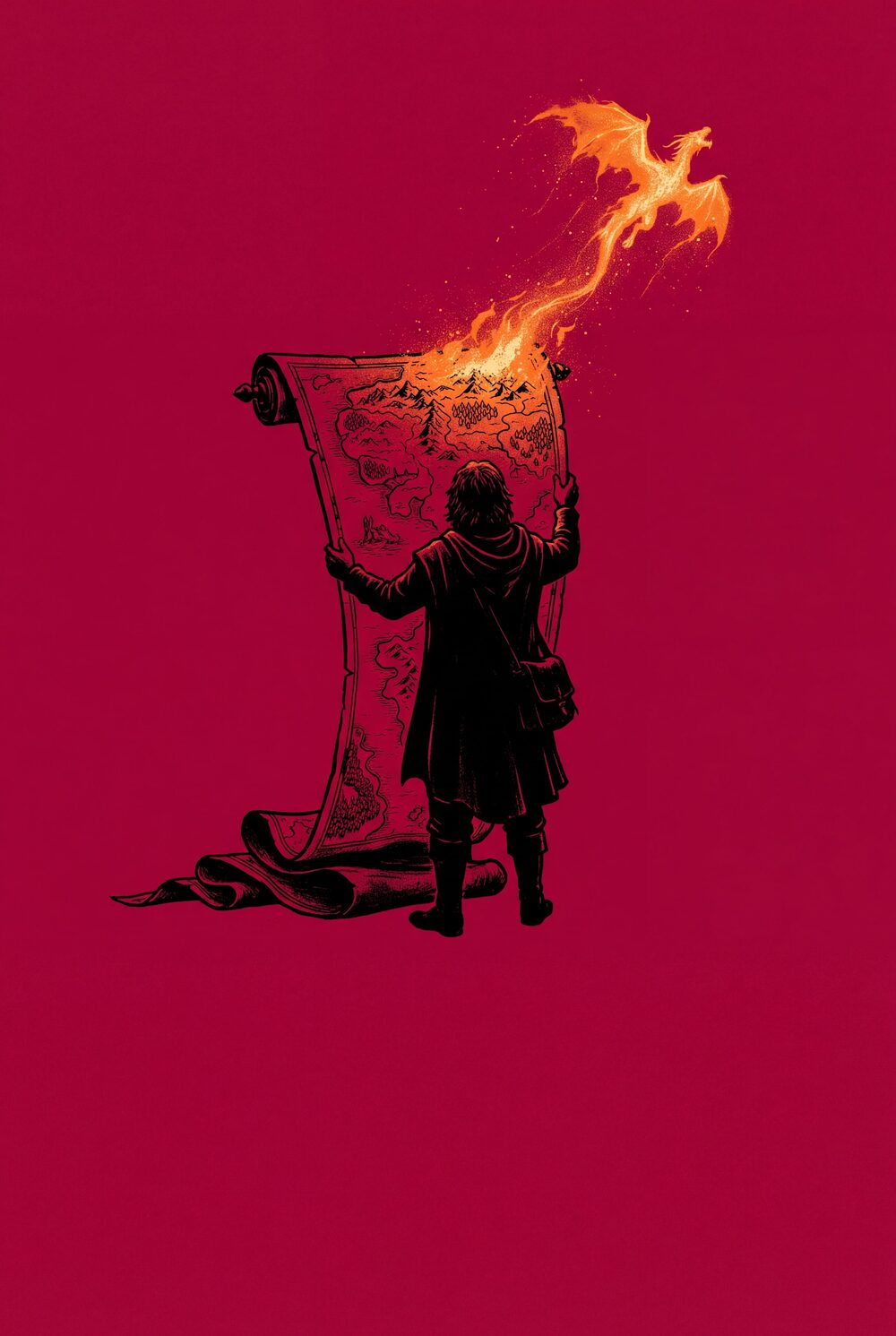
From the world map to the room ahead.
VT1 · Virtual tabletop
Open the map. Start the session.
- Open the map and move the party
- Run remote or hybrid nights in one window
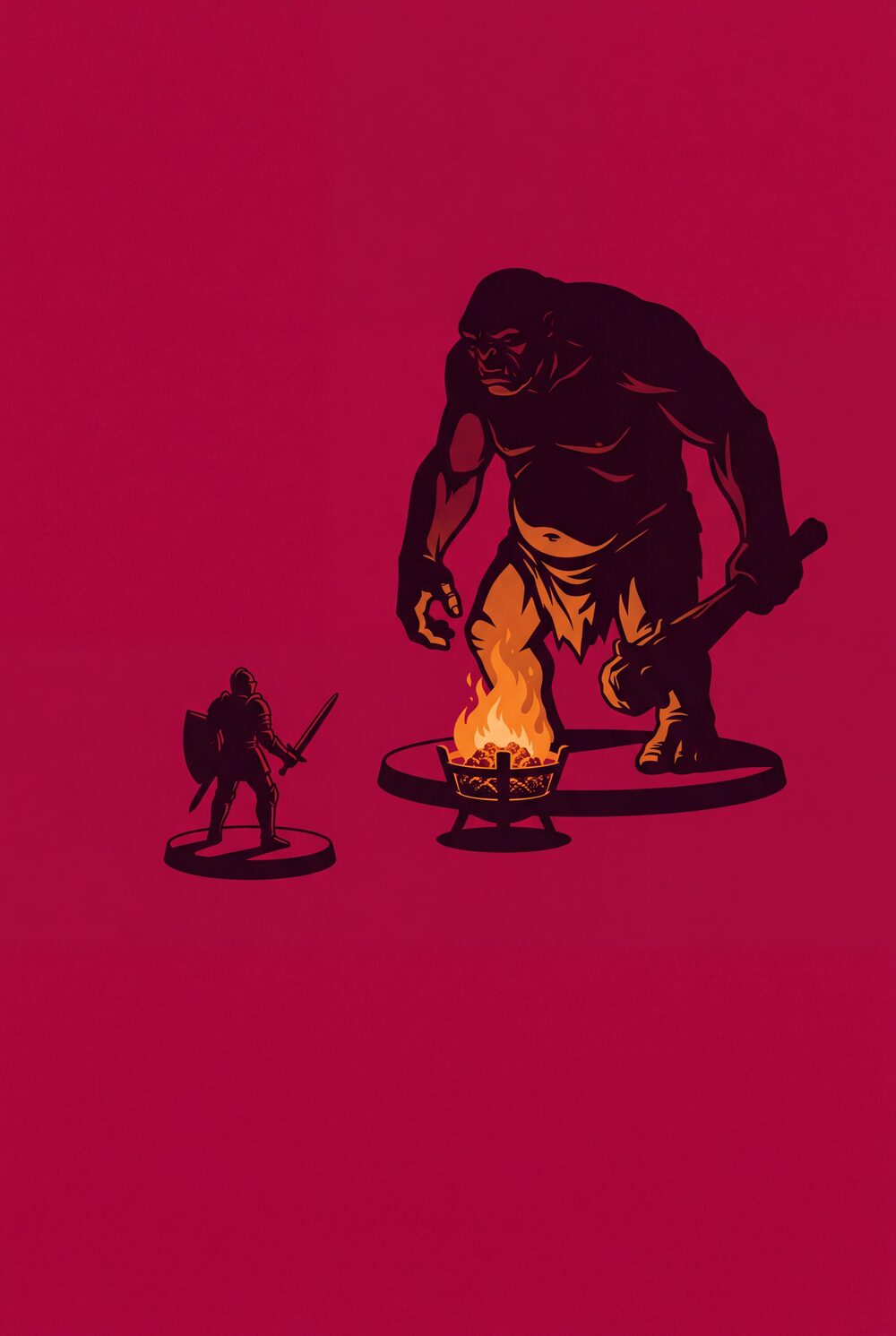
Open the map. Start the session.
LS1 · Live sessions
Run tonight. Remember tomorrow.
- Bring the party, dice and chat together
- Keep the session history in one window

Run tonight. Remember tomorrow.
FT2 Connected by design
Keep the thread from first idea to game night.
Bookwyrm is not a folder of separate utilities. Content made in one place is ready everywhere it belongs.
-
Find the rule
Search the library, follow a cross-link, and move between the 2014 and 2024 rules without losing your place.
-
Make it yours
Add a character, creature, spell, item, map or generator to a compendium your group can rely on.
-
Bring it to the table
Use the same content in campaigns, encounters, rolls and live sessions instead of copying it between tools.
-
Share beyond your table
Publish work freely for the community, or offer it through your storefront when you are ready.
FT3 One connected flow
Build it, run it, and share it without starting over.
-
Build a character
Make the interesting choices, then carry the finished sheet into play.
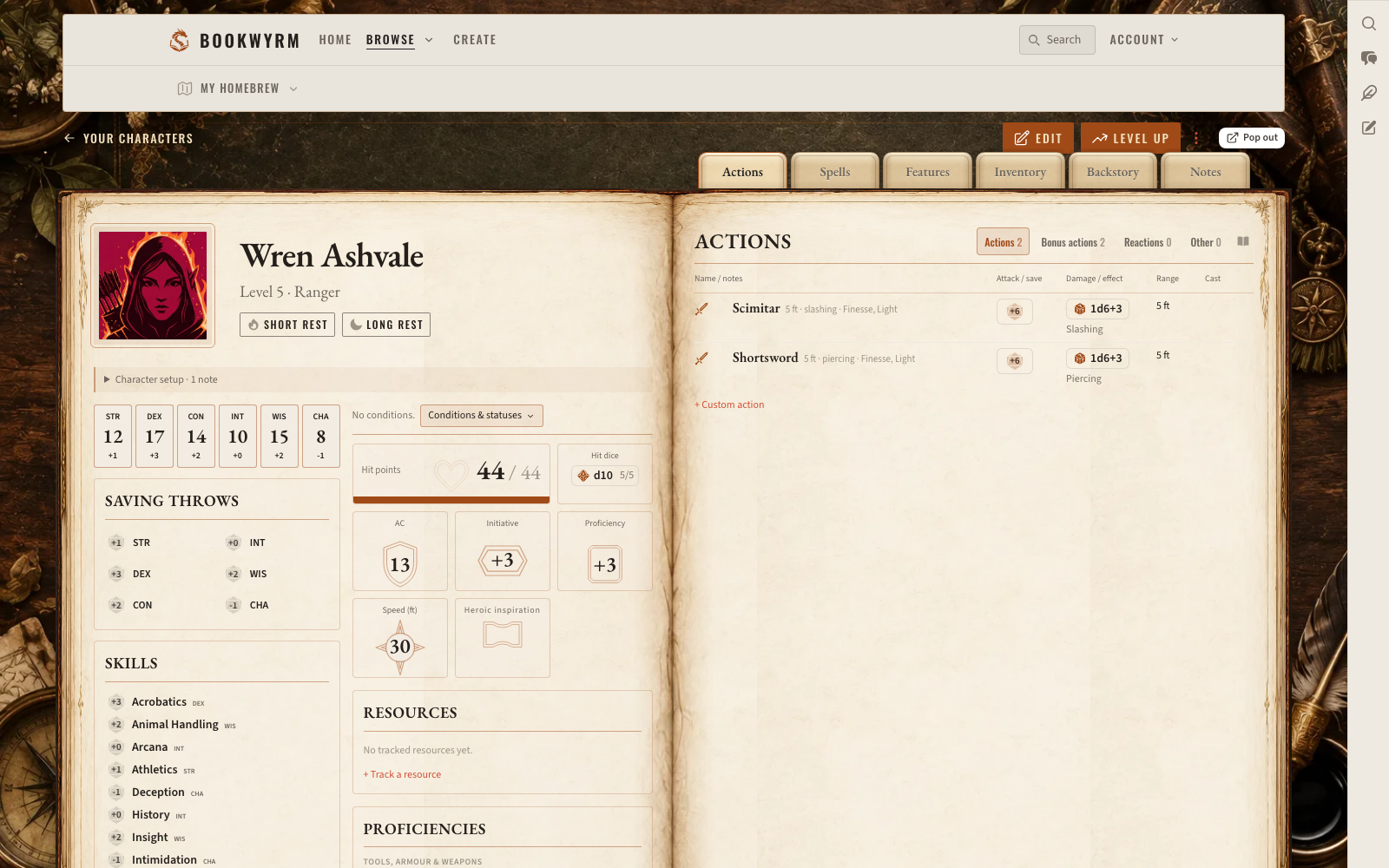
Every value on the sheet is rollable. -
Run the campaign
Keep the party, the preparation and the live tools around one adventure.
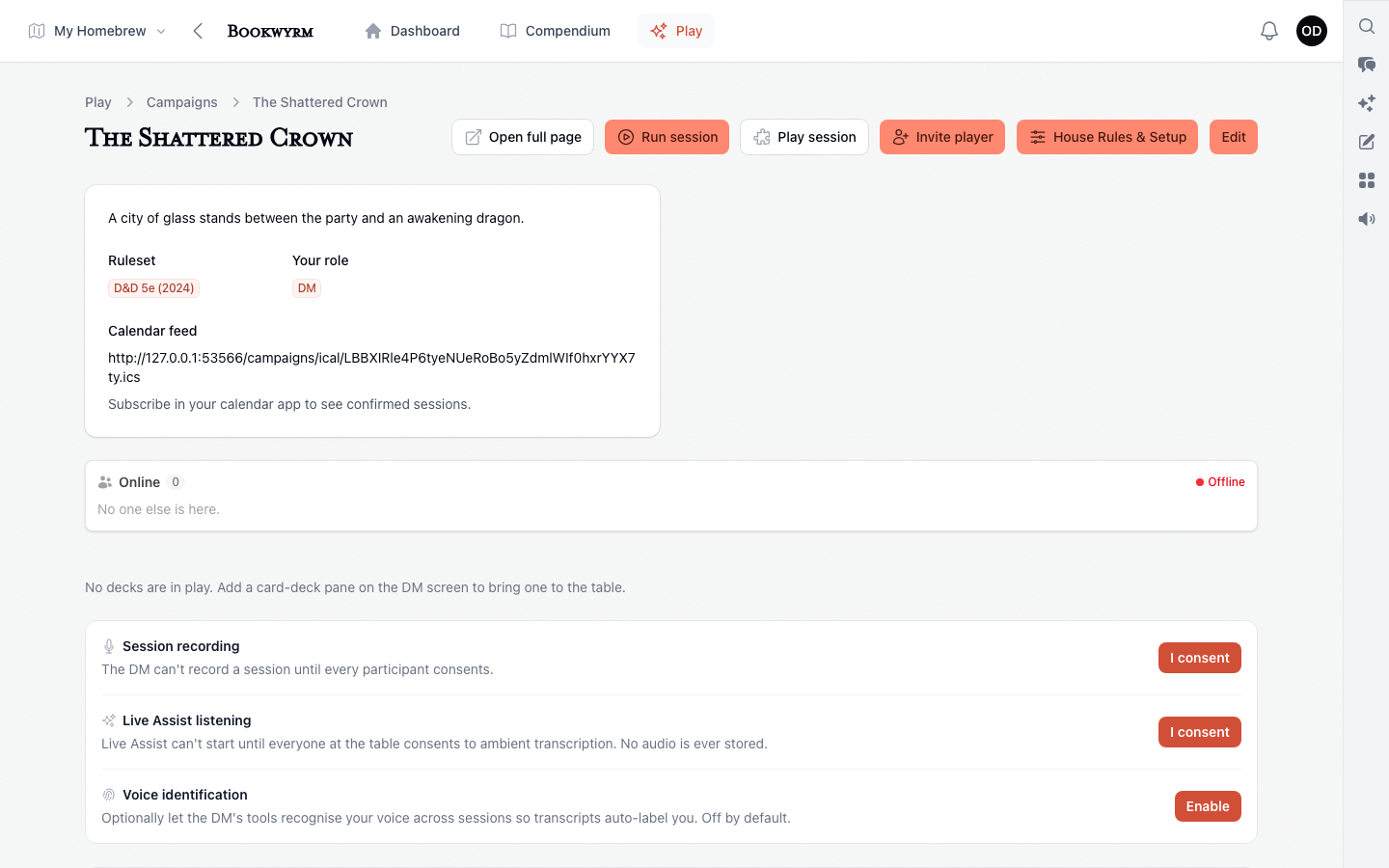
The campaign home shows what the next session needs. -
Publish your work
Author connected material and present it clearly for other tables.
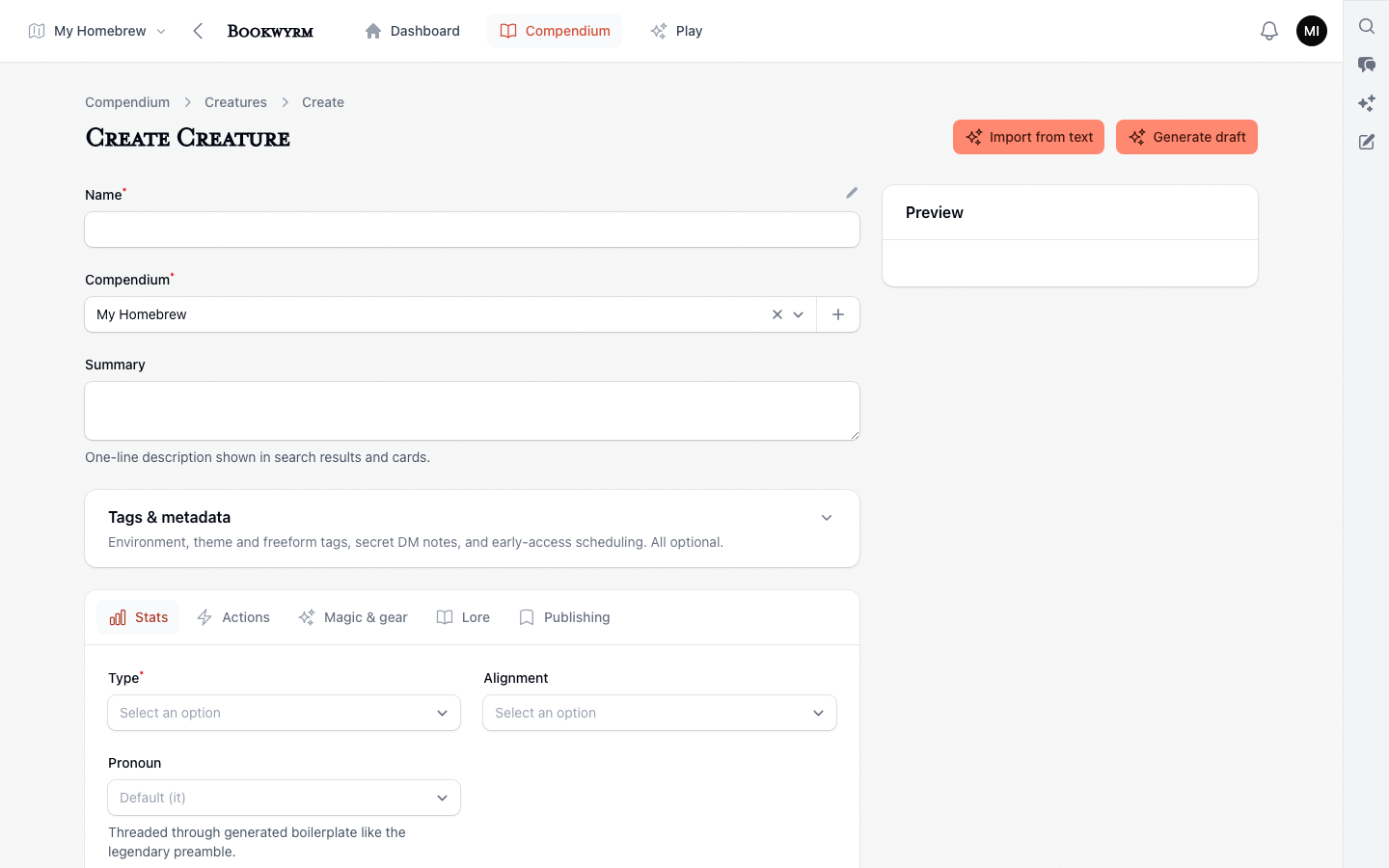
Authoring fields shaped around the content, not a blank page.
FT4 Live play
A tabletop that already knows the campaign.
Open the map, bring in the party, roll from the content you prepared, and keep remote or hybrid nights moving without rebuilding the game in another app.