VT1 Virtual tabletop
Open the map. Start the session.
Run remote or hybrid games on a fast board that already knows the campaign, the party and the content you prepared.
VT2 Fast to enter
Less setup between the campaign and the table.
The tabletop is one mode of the campaign, not another product to administer before play can begin.
- The campaign is already there
- Open the tabletop from the campaign instead of rebuilding players, characters and content in a separate VTT account.
- The map stays central
- The scene sits at the centre of play, with the controls close enough to use and quiet enough to ignore.
- Roll from what you prepared
- Use character values and game content directly, so a roll stays connected to the rule or action behind it.
- Share only what the party should see
- Reveal scenes and handouts at the right moment while private preparation stays private.
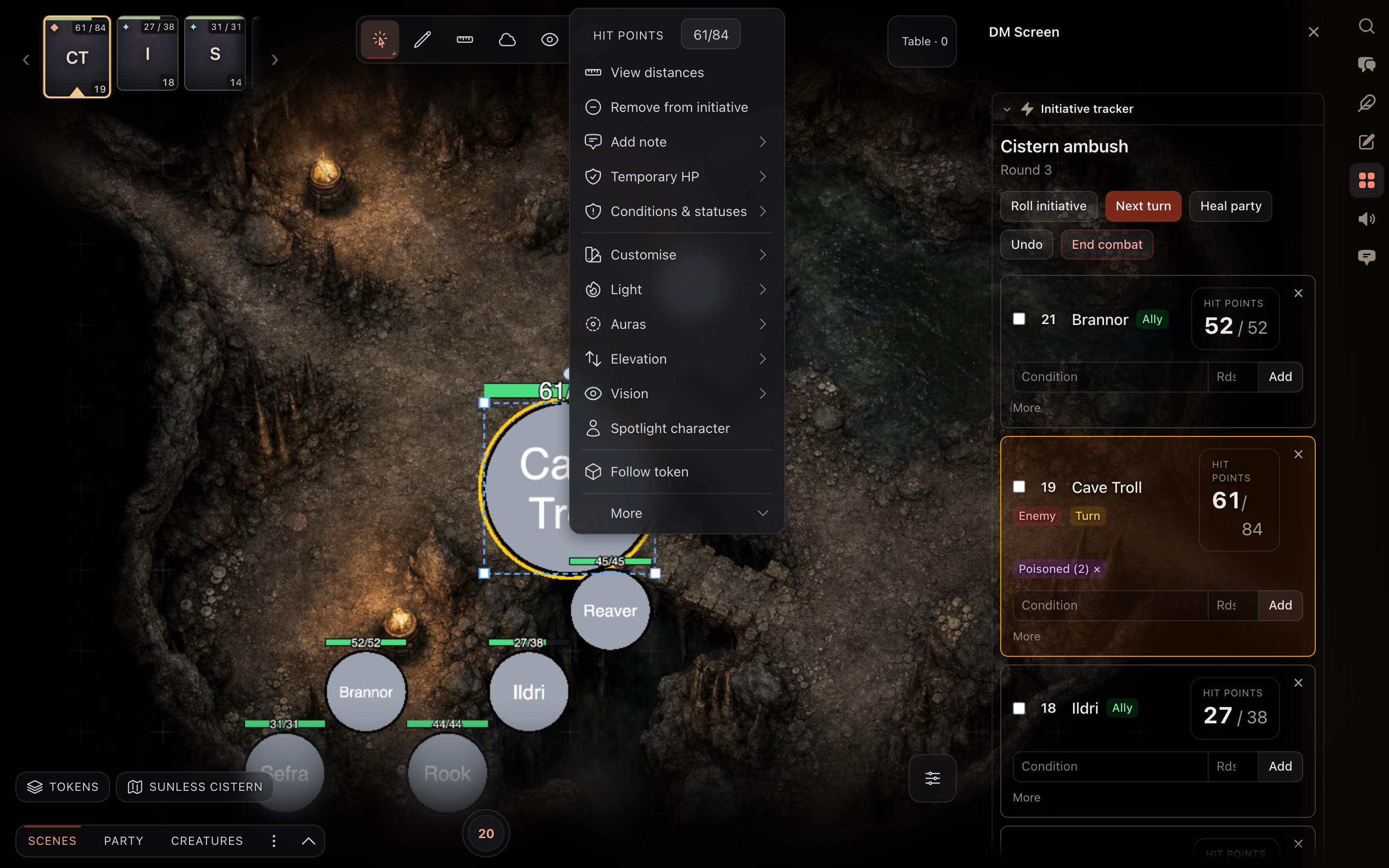
- Initiative The current and upcoming turns, with hit points on every card.
- Tools tray Reach map and session tools without leaving the scene.
- Token menu Open a token’s actions directly from the tabletop.
- DM screen See initiative and session tools alongside the encounter.
VT3 Walls, light and fog
Carry the torch.
Walls block sight and movement, a token sees only what its light reaches, and the fog remembers where the party has been. Drag the ranger through the dungeon.
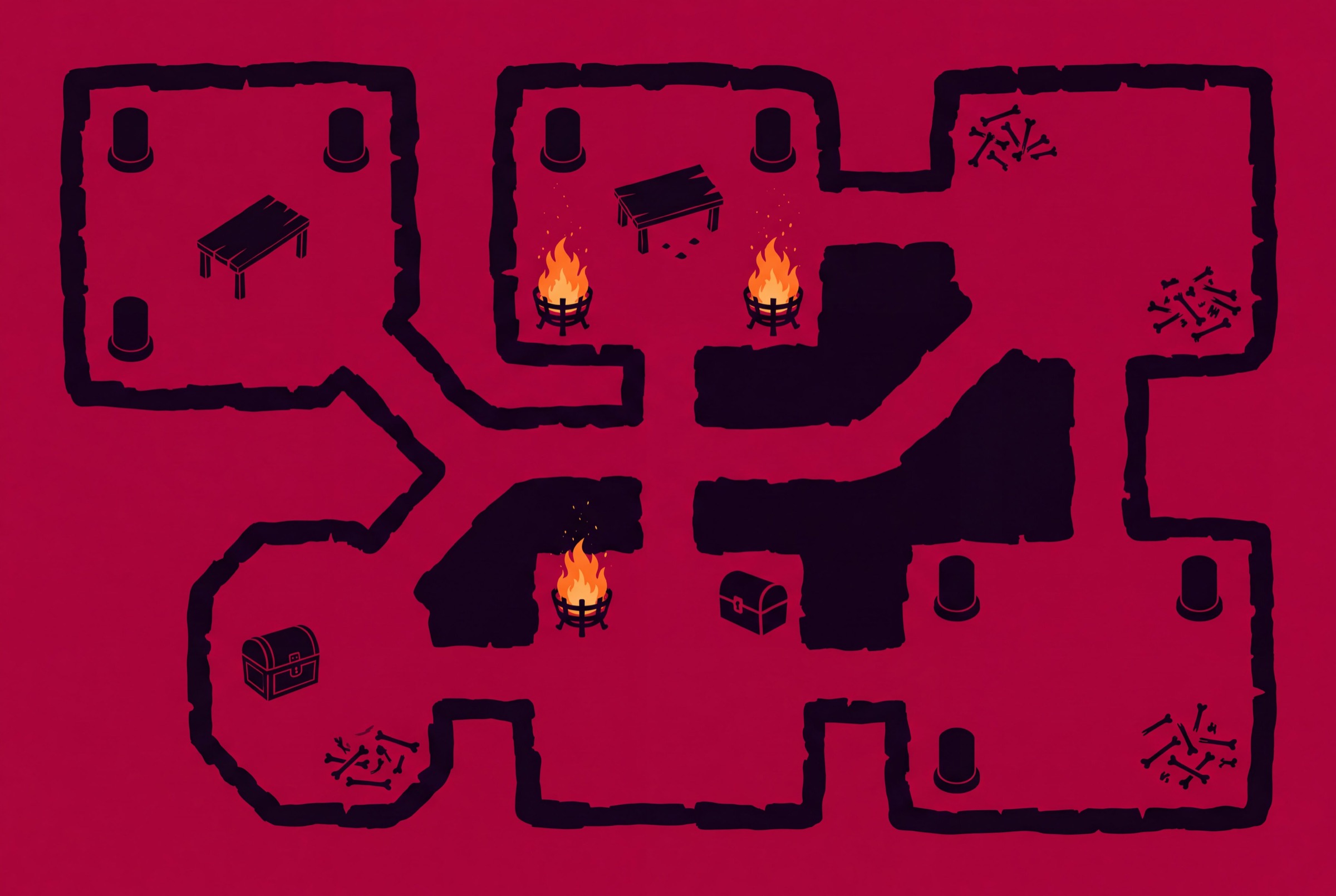
0% of the dungeon explored
VT4 Built around the session
Bring in a tool, use it, put it away.
Session controls support the conversation at the table. They should never become the main event.
-
Track the order and the current encounter without turning the table into a spreadsheet.
-
Conversation, whispers and the shared roll history stay with the session they belong to.
-
Bring a clue, an image or a sound forward when it matters, then hand attention back to the game.
-
Off-site players get a clear table view without in-room players staring at control panels all evening.
VT5 Puzzles on the board
Locks to pick, codes to crack, wires to cut.
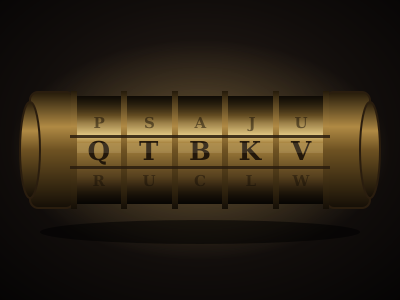
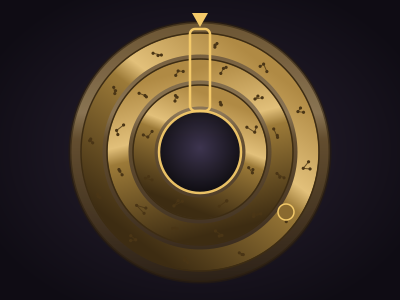
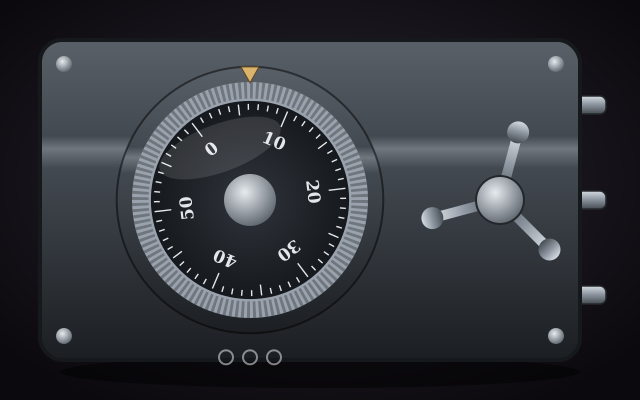
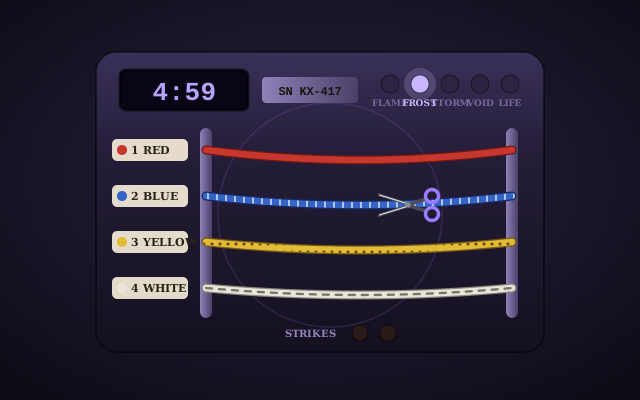
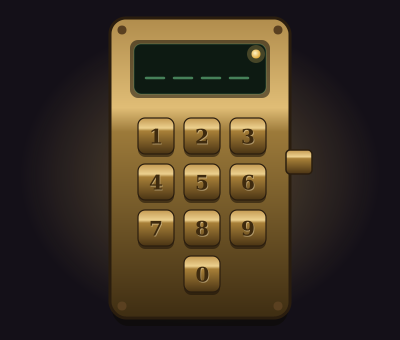
Drop a cryptex, a safe dial or a trapped floor onto the map and the party solves it together. The guides show how each one plays and how to set it up.
VT6 Compare virtual tabletops
Pick the tabletop around the game you run.
Foundry leads on extensibility, Roll20 on ecosystem reach, and Owlbear on low-friction entry. Bookwyrm connects a capable tactical table to character, campaign and session memory without a plugin stack.
Scroll sideways to compare every product.
| Capability | Bookwyrm | Foundry VTT | Roll20 | Owlbear Rodeo | D&D Beyond |
|---|---|---|---|---|---|
| Hosted with no server setup | The GM self-hosts or pays a separate managed-hosting provider. | ||||
| Players join through a browser | |||||
| Integrated character sheets | Sheets come from installed game-system packages. | Available through extensions rather than Owlbear core. | |||
| Built-in combat and initiative tracker | Available through extensions. | ||||
| Rules-aware attacks and damage | Automation depth depends heavily on the installed system and modules. | Automation varies by character sheet, compendium content and API scripts. | Character and encounter tools integrate with Maps, but tactical automation is limited. | ||
| Walls and dynamic lighting | Requires a paid Roll20 plan. | Available through first-party or community extensions. | |||
| Fog of war and token vision | Manual fog is included; advanced vision features depend on the plan. | Manual fog is native; token vision uses extensions. | Manual fog is supported, but there are no walls or token line-of-sight. | ||
| Persistent drawings and area templates | Drawing is native; rules-aware area templates use extensions. | Drawing and measurement are available, but tactical template depth is limited. | |||
| Shared 3D dice | Usually provided by the Dice So Nice module. | Available through extensions such as dddice. | |||
| Session recording and editable recap | Possible through modules and external services rather than Foundry core. | ||||
| Install third-party extensions | Pro subscribers can run API scripts; this is narrower than Foundry or Owlbear extensions. | ||||
| Sell community-made content | Extensions |
VT7 After the session
Close the map without losing the night.
Rolls, chat and campaign activity stay connected to the game after everyone signs off, leaving the DM a useful trail for notes and the next session's preparation.
VT8 Your table
Make the next session easier to enter.
Create the campaign, invite the party, and open the same world when it is time to play.