MP1 Maps
Collect maps with the campaign, connect places to their lore, and turn a prepared battle map into a live scene without rebuilding it in another tool.
MP2 Prepare once
The map belongs to the campaign.
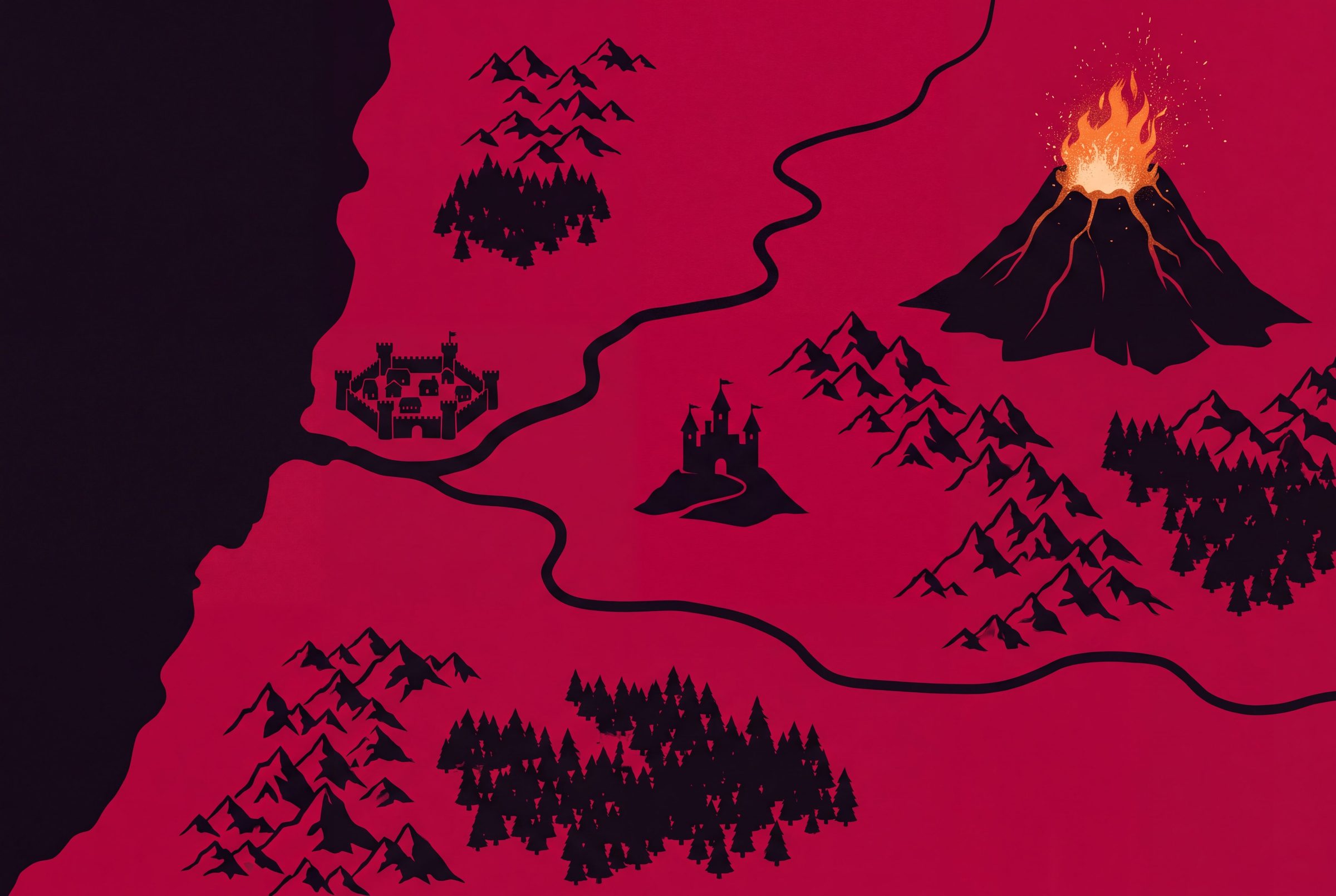
Compose a scene with map assets and drawings in Bookwyrm, or bring in finished artwork made elsewhere. Keep its places, scenes and play state connected here.
- Campaign maps with meaning
- Pins open connected places and campaign entries, so a point on the map leads to the information behind it.
- Prepared scenes stay prepared
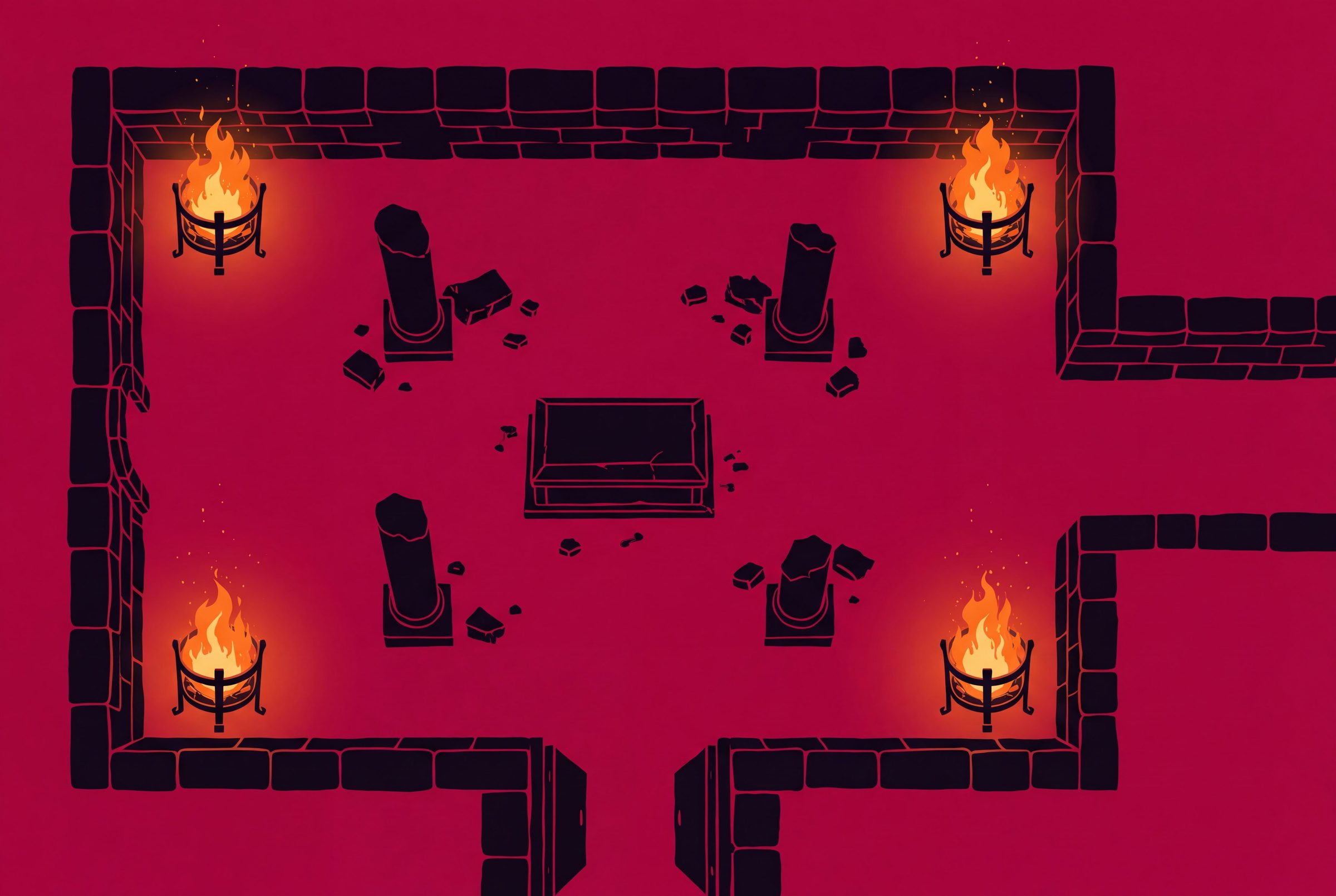
- Import Universal VTT scenes with walls, doors, lights and grid geometry instead of tracing the same map again.
- One scene, different views
- Keep GM-only objects private, reveal fog deliberately, and route different players when the party splits.
- Use the map elsewhere
- Export compatible map data for Foundry or Universal VTT workflows rather than making Bookwyrm the only destination.
MP3 Compare map workflows
Bring the map into play without losing its context.
Foundry leads on power-user depth, Owlbear on immediate entry, and Roll20 on ecosystem reach. Bookwyrm's difference is the map's connection to the rest of the campaign.
Scroll sideways to compare every product.
| Capability | Bookwyrm | Foundry VTT | Roll20 | Owlbear Rodeo | D&D Beyond |
|---|---|---|---|---|---|
| Play through a web browser | |||||
| Manual fog of war | |||||
| Walls and dynamic lighting | Dynamic Lighting requires a paid Roll20 plan. | Available through first-party or community extensions. | |||
| Token vision and explored areas | Advanced vision and explored-area features depend on the plan and page configuration. | Available through dynamic-fog extensions. | |||
| Import Universal VTT maps | Handled through modules or import workflows rather than Foundry core. | ||||
| Export reusable VTT scene data | The Transmogrifier and API workflows are plan-dependent and Roll20-specific. | ||||
| Different maps for different players | Owlbear is organized around rooms rather than campaign-level per-player scene routing. | ||||
| Map pins linked to campaign lore | Notes and attachments can provide context, but there is no native campaign knowledge model. | Scene Prep adds map-linked notes rather than a connected campaign wiki. | |||
| GM-only objects and notes | |||||
| Grid calibration | |||||
| Draw the map artwork itself | Compose a scene with placed map assets and drawings; for finished map illustration, bring in artwork made elsewhere. | Foundry has drawing and scene-composition tools, but it is not a dedicated map illustration suite. | Roll20 can draw and compose scenes, but specialist map art is usually made elsewhere. | Owlbear supports drawing and scene composition rather than full map illustration. |
MP4 Your table
Give every place a path into play.
Keep the world map, the battle scene and the lore behind both inside the campaign that uses them.