PZ1 Puzzle guides
Put the lock in their hands.
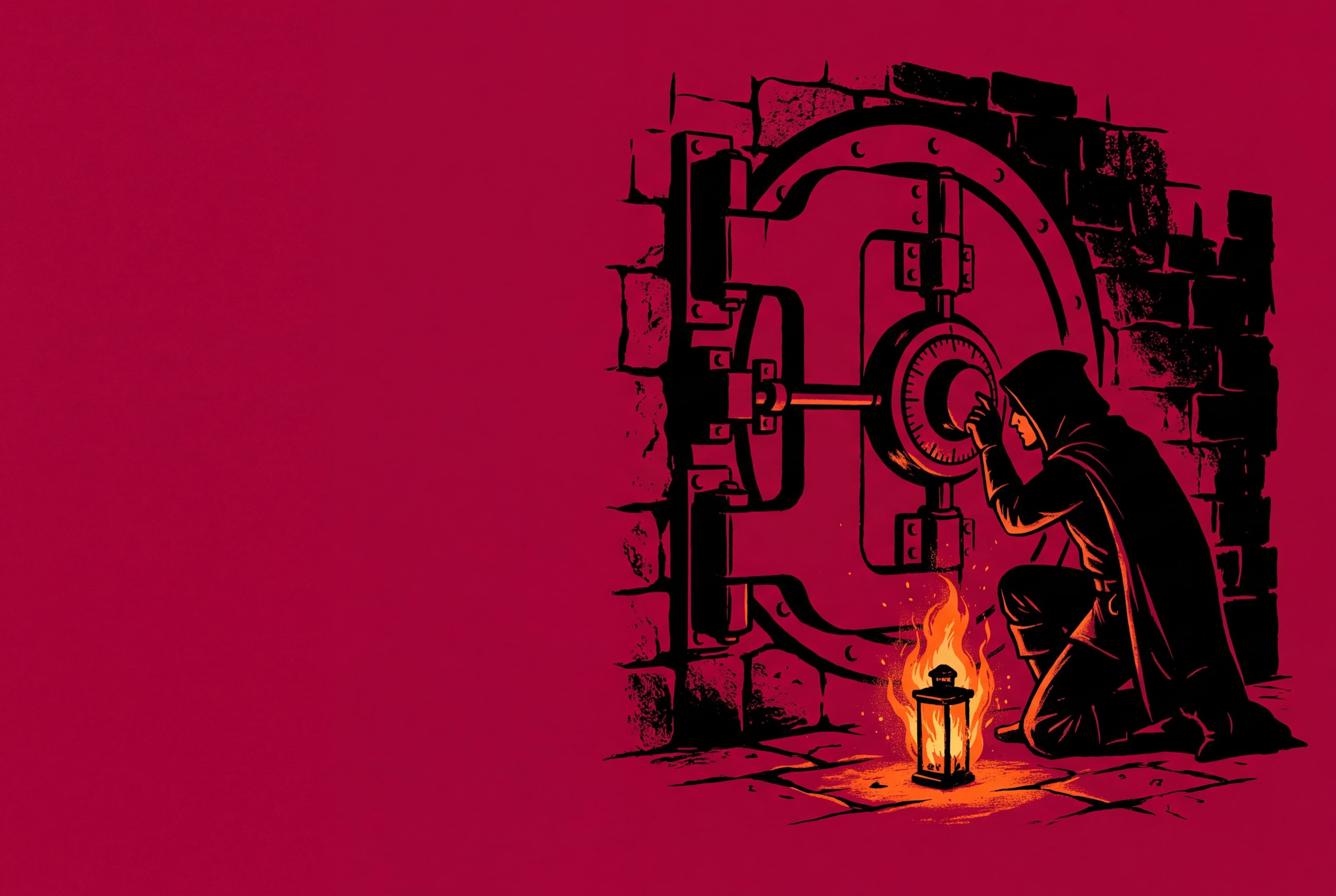
Bookwyrm puzzles sit on the tabletop map, and the players work them with their own hands. They turn a dial, set a pin or cut a wire. Here is how each one plays and how to set it up.
PZ2 Try the dial lock
Feel for the number.
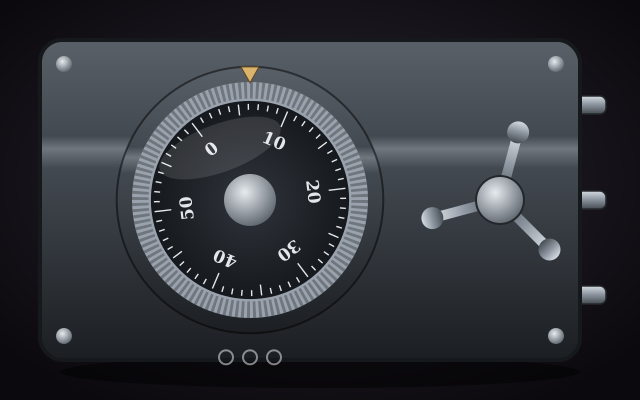
Three numbers open this safe. Turn the dial and watch the index: it glows and catches as you near each one. Set it, find the next, then turn the handle.
- ?
- ?
- ?
Easy difficulty: a 40 number dial with two either side.
PZ3 14 puzzle types
Pick the obstacle that fits the room.
Each guide covers what the players are trying to do, the options you set as the DM, and a few scenes the puzzle suits. You write a puzzle once in a compendium, drag it onto the map at the table, and watch the party work it out live.
-
 PZ01
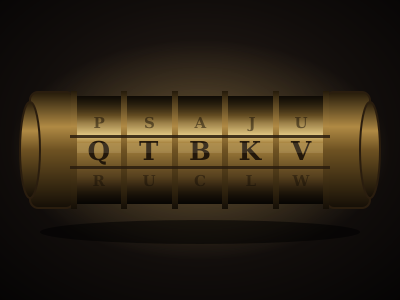
Cryptex
Turn the lettered rings until they spell the word, then pull the end caps. A riddle on the plaque is the only clue. Read the guide -
 PZ02
Lockpick
Find each pin's sweet spot with the pick before your picks run out. A good Thieves' Tools roll buys a wider target. Read the guide -
 PZ03
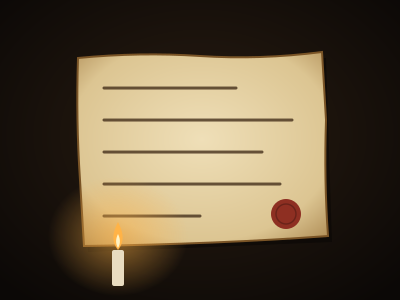
Invisible ink
Sweep a light over an innocent letter to raise the message written between its lines. Read the guide -
 PZ04
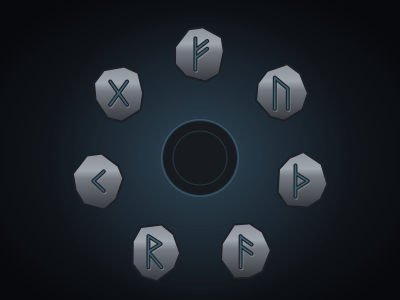
Rune sequence
Press the carved runes in the right order. Each one rings a note, and the sequence can be played to you or hidden in the room. Read the guide -
 PZ05
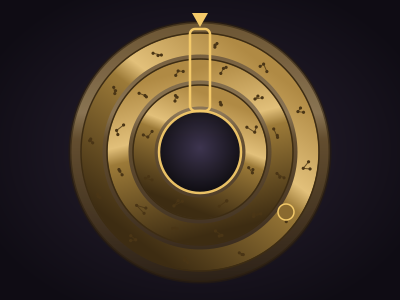
Alignment rings
Turn the geared rings until every marked glyph sits under the window. Turning one ring drags others with it. Read the guide -
 PZ06
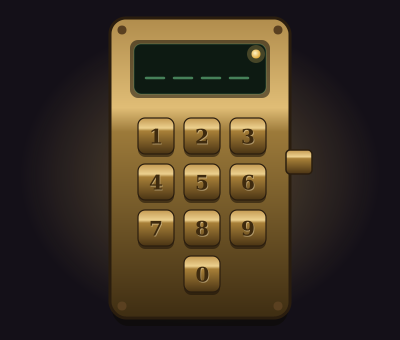
Keypad
Work out the code and punch it in. Depending on the lock, a wrong guess tells you nothing or tells you how close you were. Read the guide -
 PZ07
Dial lock
Spin the safe dial left and right, listening for each number as the wheels catch, then turn the handle. Read the guide -
 PZ08
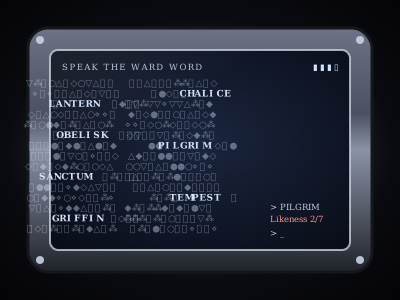
Terminal
Pick the password out of a screen of glyph noise. Every wrong word tells you how many letters it shares with the answer. Read the guide -
 PZ09
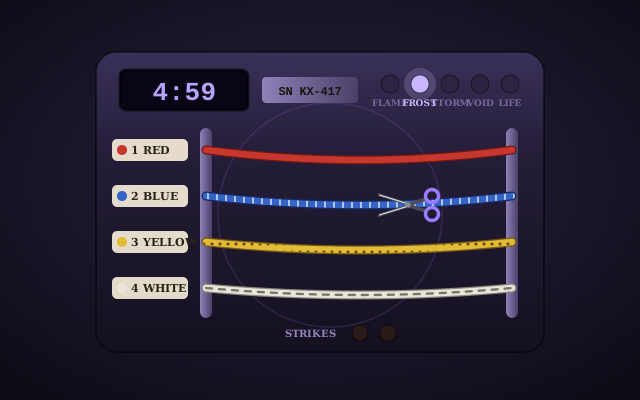
Wire defuse
Read the manual, check the wiring and cut the right wires in the right order before the wards go off. Read the guide -
 PZ10
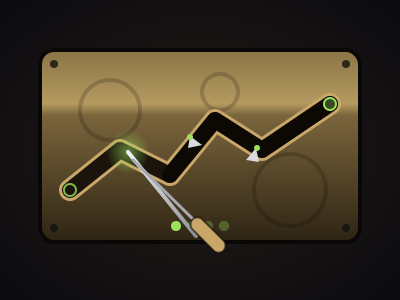
Trap disarm
Steer a probe through a narrow channel, one section at a time, without touching the edges. Read the guide -
 PZ11
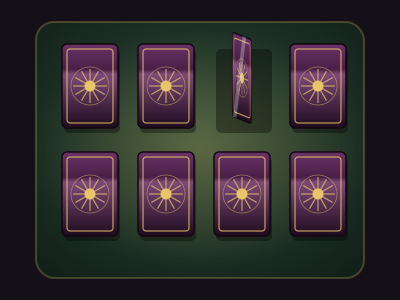
Memory match
Turn the cards two at a time and find every pair. The whole table sees each card, so everyone helps remember. Read the guide -
 PZ12
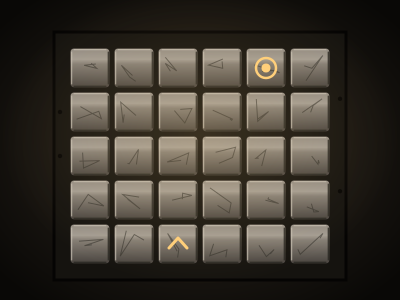
Pressure plates
Cross a trapped floor or hold down its true plates. The plates are real tiles on the map, so tokens can step on them. Read the guide -
 PZ13
Observation
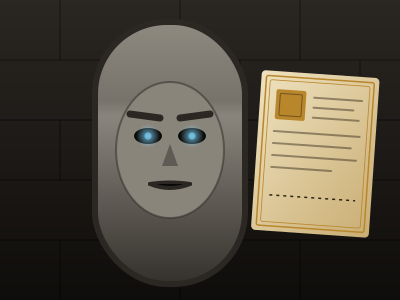
Study the scene, examine what stands out and answer the riddle. The DM judges every answer. Read the guide -
 PZ14
Jigsaw
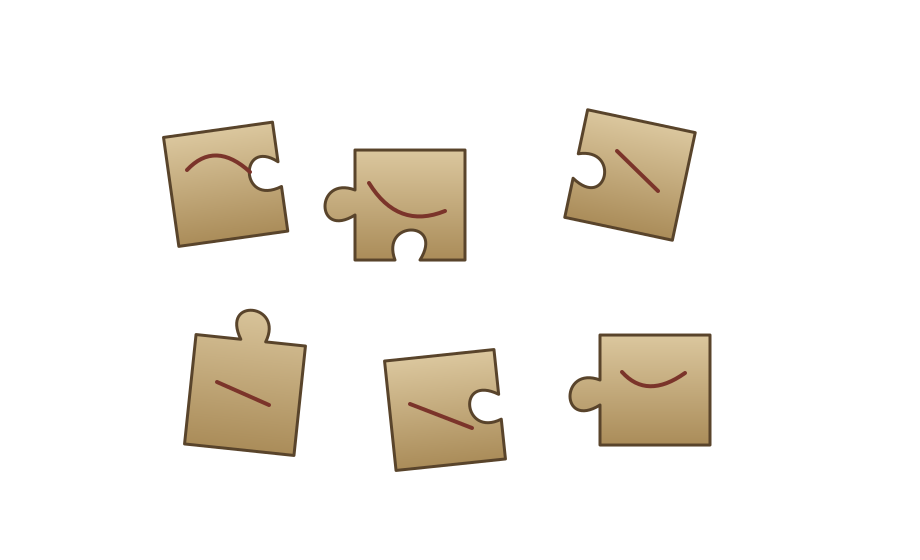
Reassemble an image from scattered fragments. Matching neighbours snap together and move as one piece. Read the guide
PZ4 Running any puzzle
Built once, played live.
Every puzzle type is built and run the same way. Each guide ends with the details.
-
Write it once
A puzzle is a compendium entry. Choose its type, who operates it, the difficulty and the limits, then write up to ten hints.
-
Put it on the board
Drag it from the Puzzles tab onto the map. That copy belongs to this table, and the first player to touch it starts it.
-
Run it live
Right click it to reveal a hint, rule out a wrong option, give one more attempt or open it by magic.
-
Skip the minigame
Set Just roll to Always and the party rolls against its DC instead. Set it to Never to make them play it out.
PZ5 Your table
Give the rogue something to do.
Build a puzzle into your next session and let the table solve it on the board instead of rolling once and moving on.